How to Sync Your Australian Bank Data to Notion
A step-by-step walkthrough of connecting your Australian bank account to Notion with Redbark, so transactions land in a database automatically.

If you already run your life out of Notion, you've probably wished your bank transactions lived there too. A database of every transaction, alongside your budget pages, your projects, and everything else you track, with views and rollups on top.
Redbark now syncs Australian bank transactions straight into a Notion database. You connect your bank, point Redbark at a database, and each transaction shows up as a page within minutes of posting.
Why Notion
People who keep finances in Notion tend to want the same few things: one place for everything, the ability to link transactions to other pages, and views or rollups they can shape themselves. Notion does all of that well. What it can't do is pull your Australian bank feed in for you.
So the usual workflow is exporting transactions from your banking app and pasting them into a Notion database by hand. It works once or twice and then quietly stops happening.
Redbark fills that gap. It connects to your bank through CDR Open Banking and writes each transaction into Notion as a page with a typed property for every field.
What you need before starting
- An Australian bank account with one of the 100+ supported institutions (ANZ, CommBank, NAB, Westpac, and most smaller banks and credit unions)
- A Notion workspace
- A Redbark account (7-day free trial, no credit card required)
Connecting your bank
From the dashboard, you add a connection and choose Australian Banks.
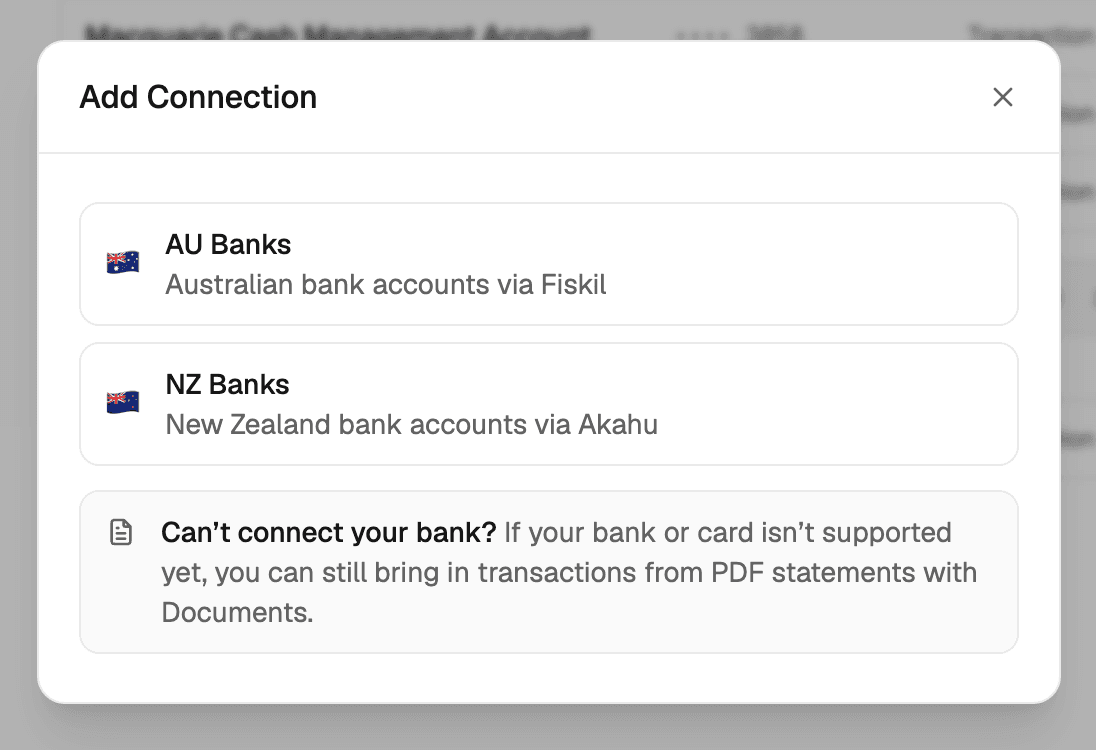
This takes you to Fiskil's consent screen, where you select your bank, log in with your banking credentials, and grant consent for Redbark to access your account and transaction data. Redbark never sees your banking login.
Fiskil is accredited under the Consumer Data Right (CDR). That accreditation means they've passed the ACCC's assessment for handling banking data, and your bank is legally required to share your data with them when you consent.
The whole thing takes about a minute. Once you're back in Redbark, your accounts appear in the dashboard, sync for a few seconds while Fiskil loads your history, then switch to available.
CDR consent lasts up to 12 months. Redbark emails you about 90 days before expiry so you can re-consent if you want to keep syncing. We cover the consent lifecycle and data security in our security post.
Connecting Notion
Next you add Notion as a destination. From the destinations page, click Add Destination, select Notion, and authorise Redbark.
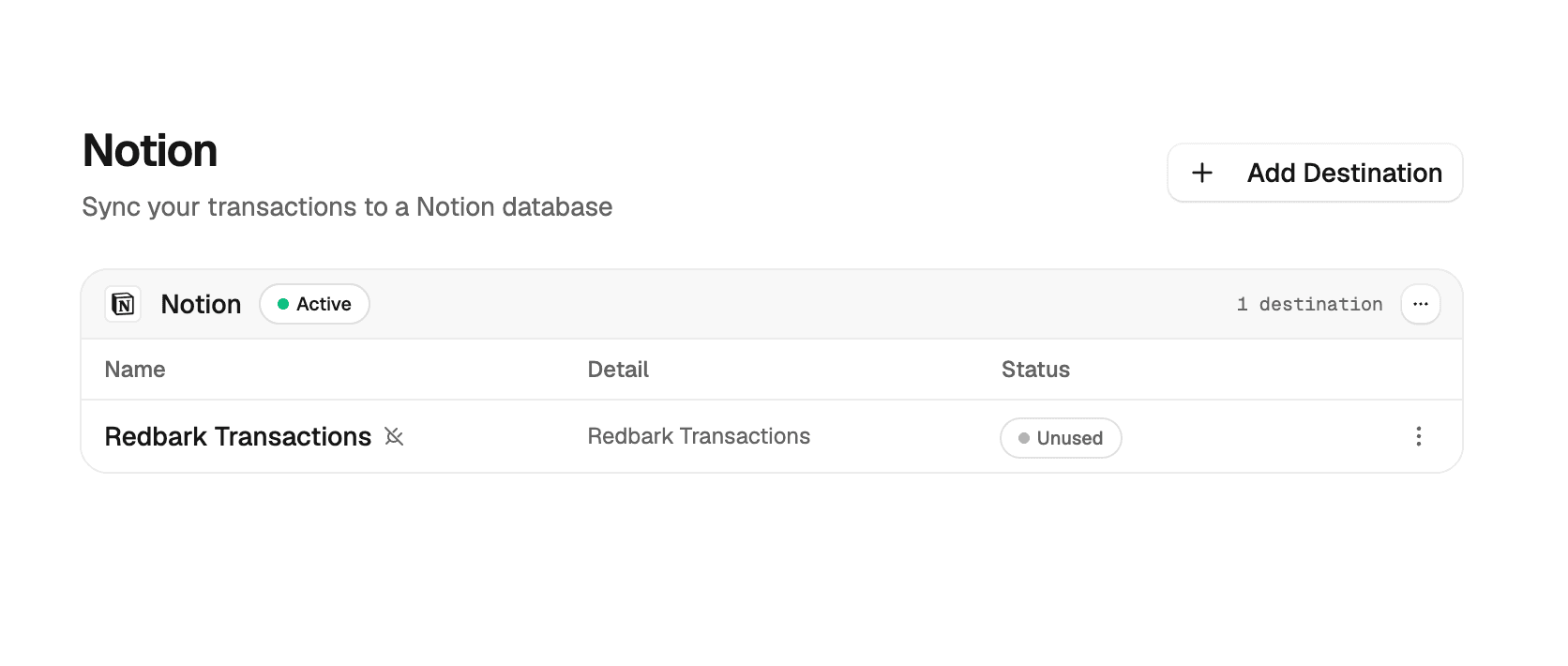
Notion asks which pages and databases to share during authorisation. Redbark can only see what you grant it, so share the specific page or database you want it to write to rather than your whole workspace.
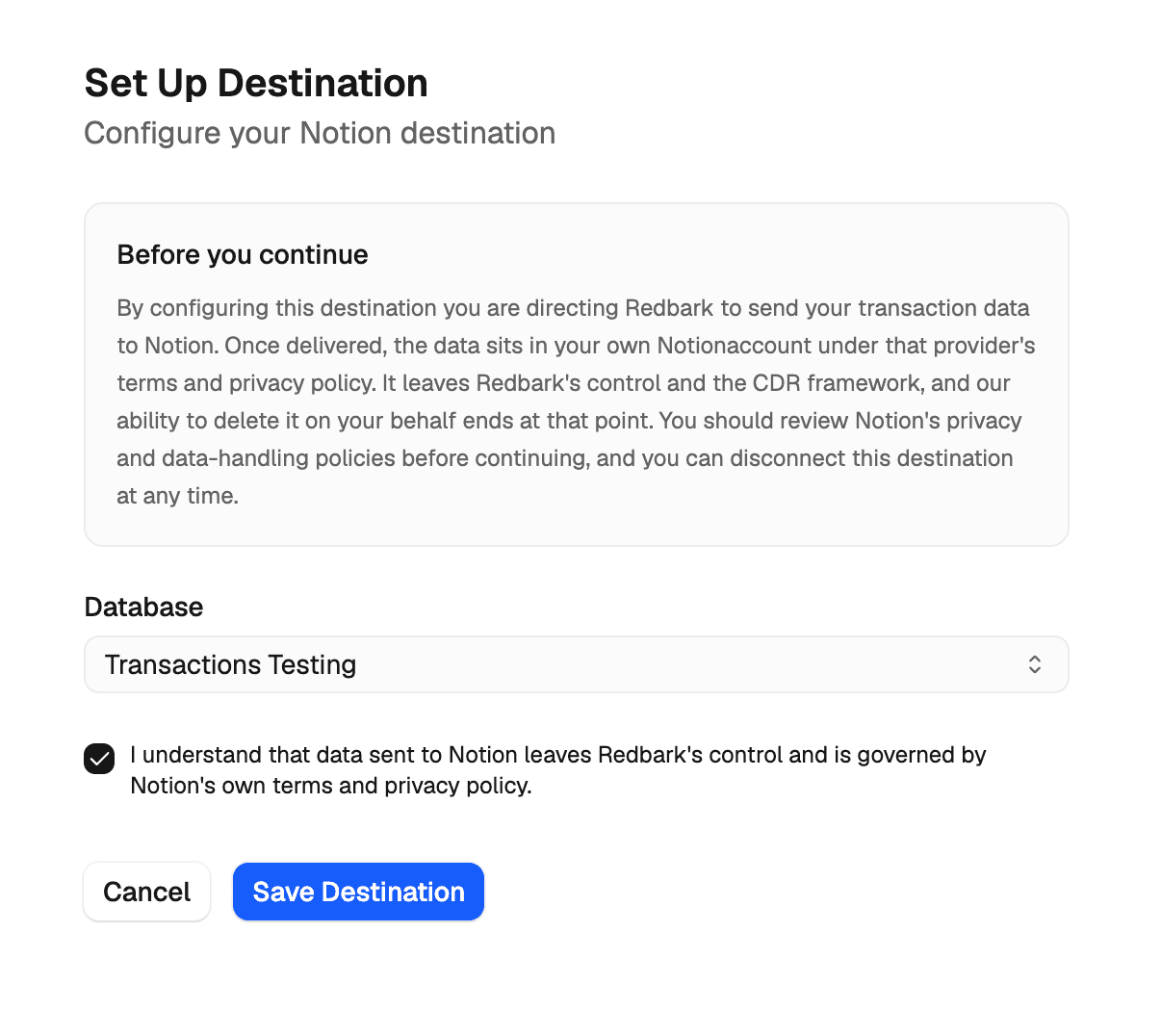
Back in Redbark, choose an existing database to write to. If you don't have one yet, click Create Database and Redbark creates a "Redbark Transactions" database inside the first page you shared. Then tick the CDR disclosure (confirming that data sent to Notion leaves Redbark's control and is governed by Notion's terms) and save.
Creating a sync
With your bank and Notion connected, you create a sync. A three-step dialogue walks you through it: pick which bank accounts to include, pick the Notion destination, and choose how far back to pull transaction history. On the free trial you can go back 3 months. On Pro, up to 7 years.
You can select multiple accounts in a single sync, even from different banks, and they'll all write to the same database.
What lands in your database
Each transaction becomes one page, with a typed property for every field:
| Property | Type |
|---|---|
| Transaction ID | Text |
| Date | Date |
| Description | Title |
| Amount | Number |
| Currency | Text |
| Direction | Select (credit or debit) |
| Category | Text |
| Merchant | Text |
| Account | Text |
| Status | Select |
| Class | Text |
| Post Date | Date |
On the first run, Redbark creates any missing properties automatically. Notion only allows one title property, so if your database already has a title with a different name, it gets renamed to Description rather than a second title being added.
Deduplication runs off the Transaction ID property. On each sync, Redbark queries the database and only creates pages for transactions that aren't there yet, so re-running a sync never produces duplicates.
You can change a property's type in Notion (for example, switch Category from text to a select). Redbark detects your actual property type on each sync and writes values in the matching shape, so your customisations are preserved. Build your own filtered views, formulas, and rollups on top: Redbark only creates and updates transaction pages, so they keep working as the data grows. The full reference is in the Notion destination docs.
How syncs run
Syncs are event-driven. When your bank has new transactions, Fiskil notifies Redbark, and Redbark pulls the new data, checks what's already in your database, and creates the new pages. This usually happens within minutes of a transaction posting.
You can also hit Sync Now from the dashboard if you don't want to wait.
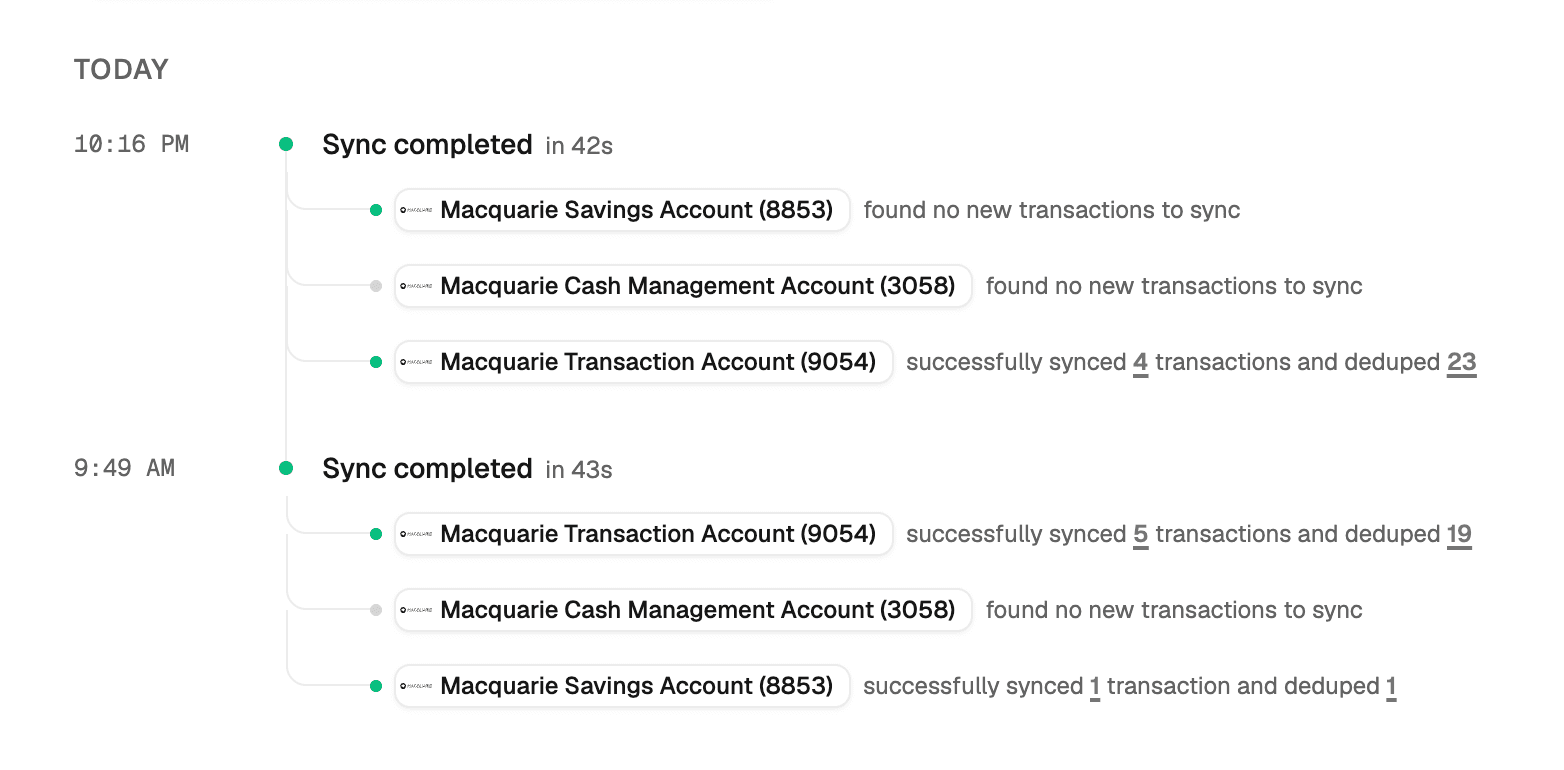
Notion limits requests to roughly three per second, so Redbark batches page creation and retries rate-limited requests with backoff. Large first syncs complete on their own, they just take a little longer.
Notion access tokens don't expire and there's no refresh token to rotate, so once you connect a workspace it stays connected until you revoke Redbark's access from inside Notion.
What we don't store
Your transaction data passes through Redbark in memory and goes straight to your Notion database. No transaction amounts, descriptions, merchants, or balances are written to our database or our logs. What the database holds is sync configuration, execution stats, account metadata so the UI works, CDR consent records, and encrypted OAuth tokens. There's a full technical breakdown if you want the detail.
Getting started
Sign up at app.redbark.co, connect a bank, connect Notion, and create a sync. The 7-day trial doesn't require a credit card. After that, plans start at A$10/mo billed annually or A$12/mo billed monthly.
If you run into anything, reach out at support@redbark.co.