Build Your Own Personal Finance App With the Redbark Developer API
Use the Redbark REST API to read live Australian banking and brokerage data from your own applications.

Most Australians who try to build a side project on top of their banking data hit a wall pretty quickly. CDR accreditation is a long process. Direct screen scraping is fragile and discouraged by most banks' terms. Open Banking aggregators that target enterprise customers don't really sell to a single developer building a dashboard for themselves.
Redbark's developer API is meant to fill that gap. We operate as a CDR Representative of Fiskil (ADR ADRBNK000246), so the API surfaces data Fiskil discloses to us under your CDR consent. You authenticate once, generate an API key, and read live data from your own bank and brokerage connections from any code that can make an HTTPS request.
What's exposed
The REST API covers the same data surface as the dashboard:
- Connections: banks and brokerages you've linked
- Accounts: names, types, currencies, and masked numbers
- Balances: live balance fetched from your bank on each call
- Transactions: filtered by date range, account, or connection
- Holdings: current brokerage positions with prices and unrealised P&L
- Trades: historical buys, sells, fees, and settlement dates
It is a normal HTTPS REST API. Bearer token auth, JSON responses, OpenAPI 3.1 spec at api.redbark.co/openapi.json so you can generate a typed client in any language you like.
A typical request
curl -H "Authorization: Bearer rbk_live_..." \
  "https://api.redbark.co/v1/transactions?connectionId=conn_abc123&from=2026-01-01"
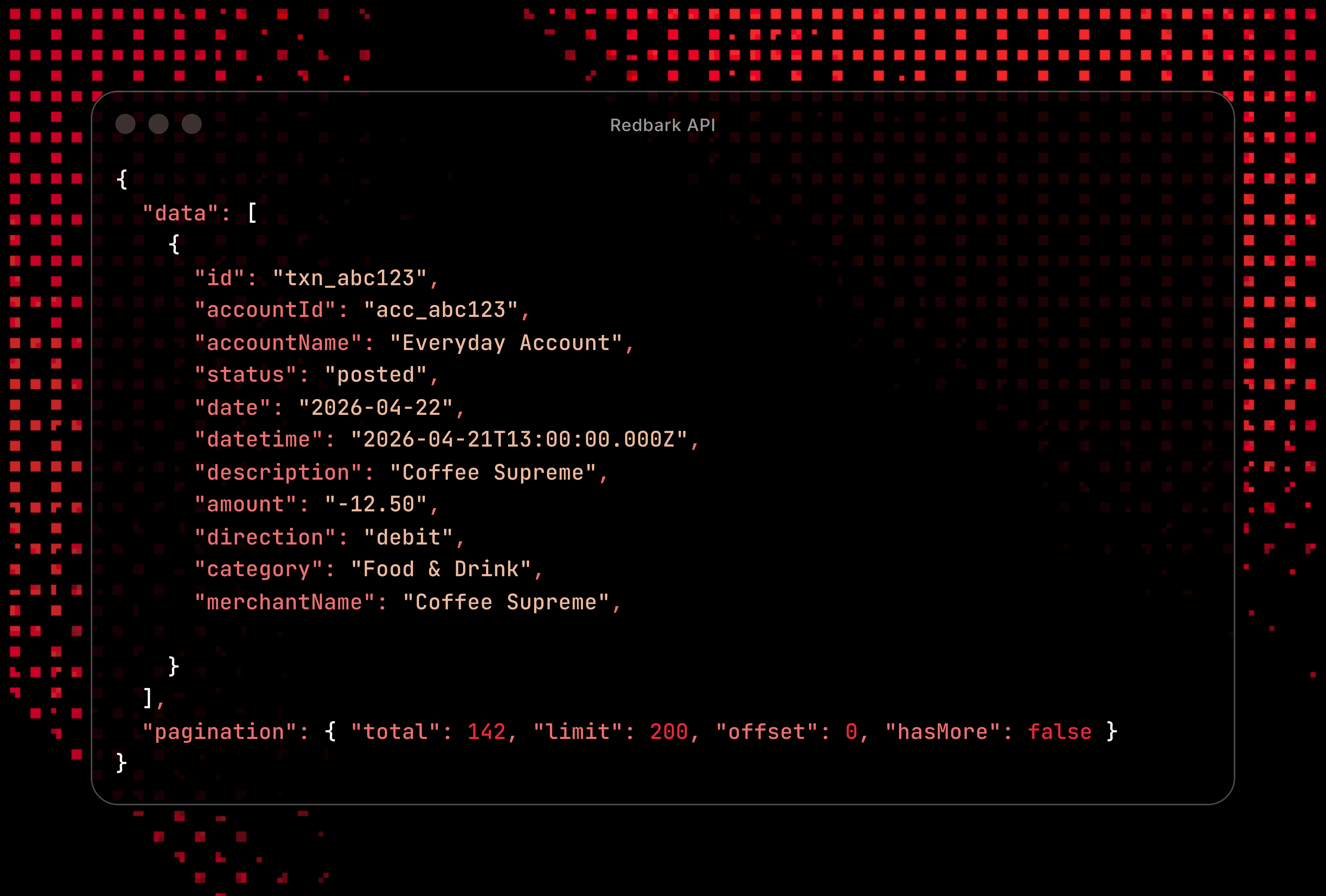
{
"data": [
{
"id": "txn_abc123",
"accountId": "acc_abc123",
"accountName": "Everyday Account",
"status": "posted",
"date": "2026-04-22",
"datetime": "2026-04-21T13:00:00.000Z",
"description": "Coffee Supreme",
"amount": "-12.50",
"direction": "debit",
"category": "Food & Drink",
"merchantName": "Coffee Supreme",
"merchantCategoryCode": null
}
],
"pagination": { "total": 142, "limit": 200, "offset": 0, "hasMore": false }
}Amounts are signed per the CDR spec. Negative is a debit, positive is a credit. We don't normalise this on our side, so what you receive matches exactly what your bank reported through Fiskil. Only posted transactions are returned; pending ones are filtered out.
Things people are actually building
A few real shapes we've seen so far:
Personal dashboards. A small Next.js or SvelteKit app that pulls balances and recent transactions, runs them through your own categorisation rules, and renders charts you actually find useful. Usually much easier to build for yourself than to ship as a product.
Custom budgeting logic. YNAB and Google Sheets cover the common cases. If you want envelope budgeting, sinking funds, multi-currency consolidation, or an investment tracker that talks to your bank, the API gives you the raw data and you write the logic.
Trigger workflows. Pull recent transactions in a scheduled job, find the ones matching your "rent" or "subscriptions" filter, and post them to a Notion database, a Linear ticket, or a Slack channel. Anywhere your existing automation lives.
Tax prep helpers. End of financial year scripts that sum category totals, separate business from personal, and emit a CSV your accountant will actually accept.
Brokerage automation. Nightly snapshots of your portfolio written to wherever you keep records. Or a daily diff between yesterday's positions and today's, surfaced in whatever dashboard you check first thing.
The common thread is that none of these are products. They are personal tools that exist because you want them to exist. The API is meant to make that bar low enough that you can knock one out in an afternoon.
Auth and rate limits
Every request needs a Bearer token from a Developer or Professional plan key:
Authorization: Bearer rbk_live_...
Authenticated requests are capped at 30 per minute per key. Unauthenticated or failed auth requests are capped at 10 per minute per IP. Each response includes X-RateLimit-Remaining and X-RateLimit-Limit headers, plus a Retry-After on 429s.
Errors come back as a JSON envelope with code, message, and optional details. We use standard HTTP status codes so any client library will surface them sensibly. The full reference is in the overview docs.
What we don't store
The API uses the same pass through architecture as the rest of Redbark. When you call /v1/transactions, we hit Fiskil, SnapTrade, or Akahu live, return the data to you, and never write the payload anywhere. The full breakdown is in How Redbark Securely Syncs Your Financial Data.
Two practical implications:
- If you don't call the API for a week, no costs accumulate on our side keeping a stale cache warm. You always read fresh.
- Our database has nothing to leak. There is no transactions table, no balances table, no holdings table. The same architectural promise applies whether you're using a Google Sheets sync, the MCP server, or the REST API.
Once data lands in your own application or storage, it sits outside the CDR framework and is handled under your own terms, security controls, and retention policies. Treat it the same way you would treat any other sensitive customer data — that responsibility transfers to you at the moment of delivery.
Brokerage data
Holdings and trades are available on the Professional plan and powered by SnapTrade, which supports 28 brokerages and 3 crypto exchanges including CommSec, Stake, Interactive Brokers, Coinbase, and Binance. We covered the launch in Brokerage and Crypto Syncing is Here.
If you're consolidating bank and brokerage data into a single view, both come from the same authenticated REST surface and share the same rate limit pool.
Pairing with the MCP server
If your end goal is "ask my AI assistant about my finances", the MCP server is probably what you want, and it does not require any code. The REST API is what you reach for when you're building something programmatic that runs on its own (a cron job, a dashboard, a webhook handler). Most developers end up using both: MCP for ad hoc questions, REST for the recurring jobs they don't want to babysit.
Getting started
- Sign up at app.redbark.co and connect a bank or brokerage.
- Generate an API key under Settings > API Keys. Copy it immediately, we only show it once.
- Hit the overview endpoints with curl to feel out the shapes.
- Build whatever was missing.
If you build something interesting, send it through to support@redbark.co. We'd love to feature it.